
Introduction Screen Time Guide for Ages 3–12
In today’s digital world, managing screen time has become a crucial part of parenting. A screen time guide for ages 3–12 helps parents balance fun, learning, and safety. Proper screen habits can enhance your child’s development, creativity, and learning while reducing the risks of overexposure.
This guide covers recommended limits, educational tools, tips for healthy usage, and Amazon products that parents trust.ing educational tools and Amazon products that make screen time productive and engaging.

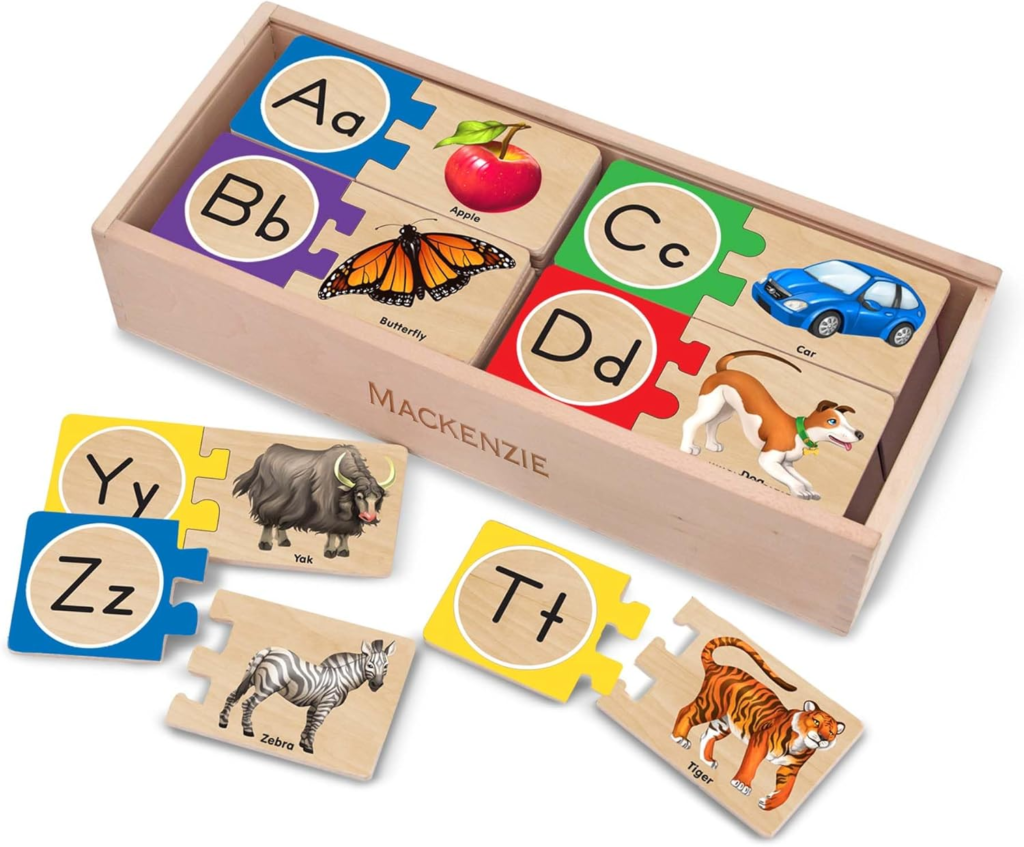
Table of Contents
Recommended Daily Screen Time
According to the American Academy of Pediatrics (AAP):
| Age | Recommended Screen Time |
|---|---|
| 3–5 years | 1 hour per day (high-quality content) |
| 6–12 years | Consistent limits, encourage balance with other activities |
Tips for Healthy Screen Time
1. Make a Daily Schedule
Set specific times for screen use. For younger children, 20–30 minute sessions multiple times a day work better than long blocks.
2. Encourage Educational Content
Choose apps and games that boost learning and creativity:
- Amazon Fire HD Kids Tablet – Comes with age-appropriate content and parental controls.
- LeapFrog Learning Games – Fun and educational for ages 3–8.
- VTech KidiZoom Camera – Encourages creativity and photography skills.
3. Co-View and Interact
Parents should occasionally join their kids during screen time to discuss content and enhance learning.
4. Balance with Offline Activities
Promote physical play, reading, and hands-on activities:
- Melissa & Doug Educational Toys – Encourages creative learning.
- STEM Building Kits – Boosts problem-solving skills.
- Outdoor games, art supplies, or puzzles also help reduce dependence on screens.
5. Create Device-Free Zones
Avoid screens in bedrooms and during meals to improve sleep and family interaction.
Educational Apps and Tools
Here are some recommended apps that combine fun and learning:
- Khan Academy Kids – Free interactive lessons for ages 3–8.
- ABCmouse – Reading, math, and art for ages 3–8.
- Prodigy Math Game – Engaging math learning for ages 6–12.
- Duolingo Kids – Fun language learning for ages 5–12.
Monitoring Tools for Parents
- Amazon Fire Kids Tablet – Built-in parental controls to monitor usage and content.
- Circle Home Plus – Manages and limits screen time across devices.
- Qustodio App – Tracks usage and sets daily limits for children.
Parental Controls and Monitoring
- Amazon Fire Kids Tablet – Monitors content and sets daily limits.
- Circle Home Plus – Manage screen time across multiple devices.
- Qustodio App – Tracks usage and sets limits.
Common Questions Parents Ask
Q: What counts as screen time?
A: All digital devices including tablets, smartphones, TVs, and gaming consoles. Focus on interactive and educational use.
Q: How do I prevent fights over screens?
A: Set clear expectations, follow a schedule, and involve your child in choosing activities.
Q: Can screen time affect sleep?
A: Yes, especially before bedtime. Avoid screens 1 hour before sleep to promote better rest.
Q: Are some screens better than others?
A: Tablets with educational apps or interactive content are better than passive TV watching.
Additional Tips for Parents
- Model Healthy Habits: Children learn from your screen use.
- Reward Non-Screen Activities: Encourage reading, sports, or crafts.
- Discuss Online Safety: Teach kids about privacy, cyberbullying, and safe browsing.
- Adapt as They Grow: Older kids may handle longer screen sessions with supervision.
Conclusion
A screen time guide for ages 3–12 helps parents manage technology in a balanced and educational way. By following these tips, monitoring usage, and providing alternative activities, screen time can be a safe, engaging, and learning-focused experience.